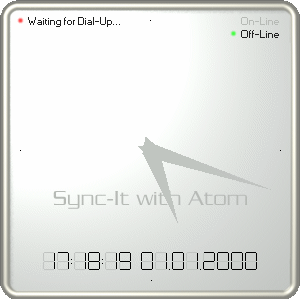
Sync-It with Atom
Sync-It with Atom was a simple tool for keeping your system time
accurate. It worked on Windows XP and older versions, but is no
longer needed as similar functionality was introduced in the operating
system starting from Windows Vista.
If you are still using Windows XP or older, you should seriously considering upgrading to a newer operating system for security reasons. If you are unable to upgrade to a newer version of Windows, try one of the many Linux distributions, such as Ubuntu.
If you are still using Windows XP or older, you should seriously considering upgrading to a newer operating system for security reasons. If you are unable to upgrade to a newer version of Windows, try one of the many Linux distributions, such as Ubuntu.
Free for legacy users
The program is shareware, which means it stops working after 15 days
unless you pay for it and give it a registration code. If you are absolutely
sure you're stuck with an ancient version of Windows, you can use the
following code to unlock the program and use it for free:
User name: Legacy user
Registration code: 61032CF9
You can still download a copy of the program from the download page.
User name: Legacy user
Registration code: 61032CF9
You can still download a copy of the program from the download page.
Support
If you have problems installing Sync-It with Atom or when using it,
please read the help file and the Frequently
Asked Questions.
Legal
Copyright © 1999-2003 Sami Tolvanen. All rights reserved.